Now in beta. Free to try.

One system for your whole operation.

Rail Ops connects your roster, layout, printable cards, and signage — one system instead of a stack of spreadsheets. Import what you have, get organized, and have the details sorted before the crew shows up.

Free during beta. Signup code currently required.

railops.app
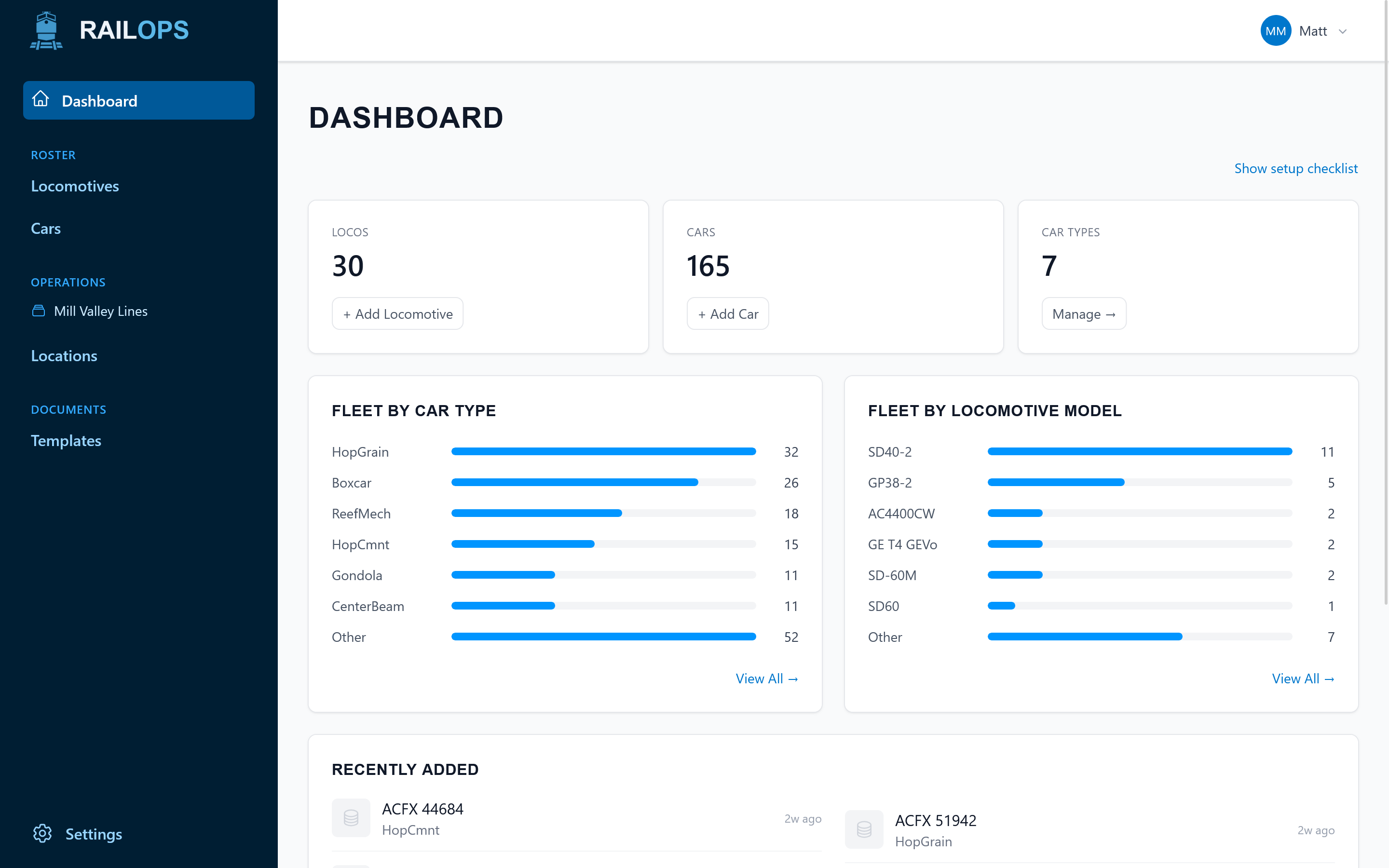
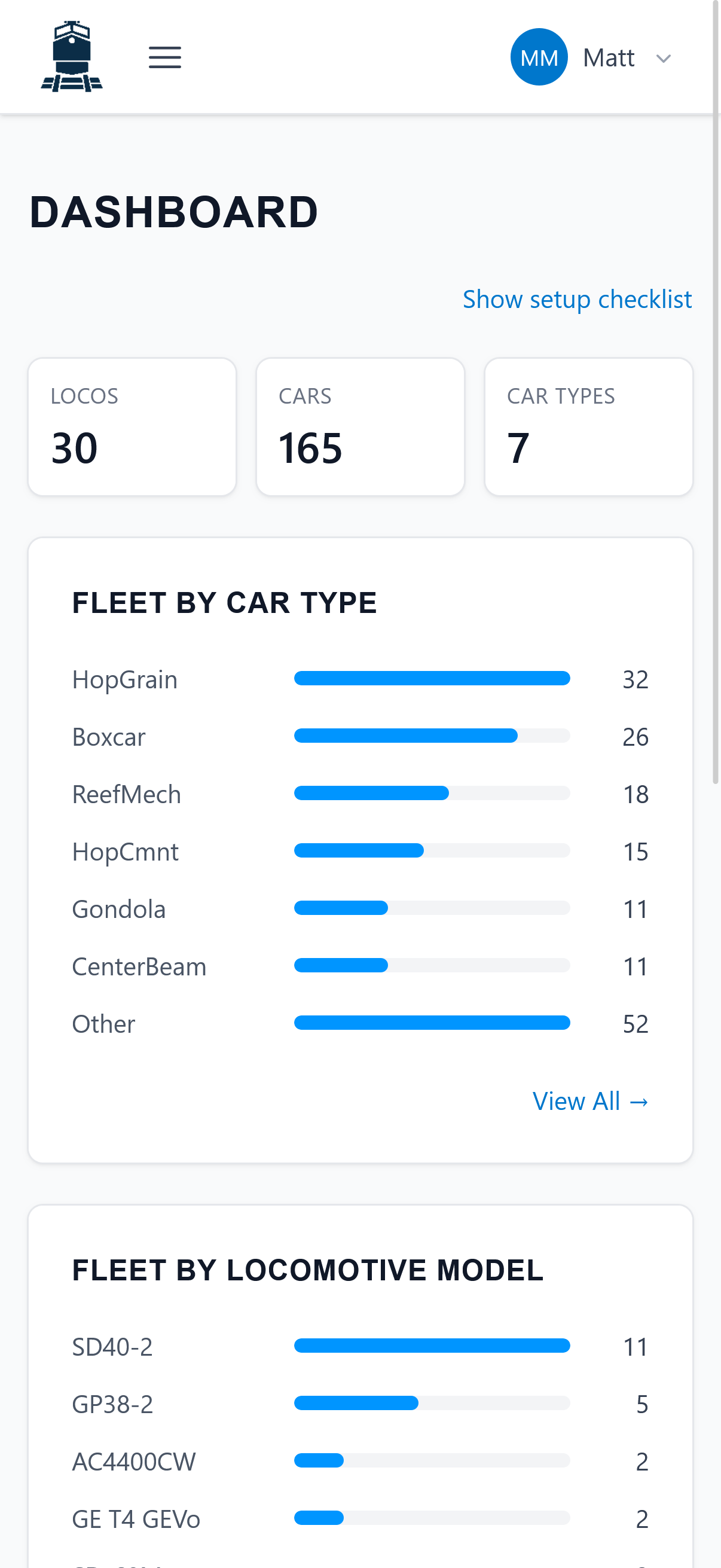
Rail Ops dashboard
Free during beta

Signup code currently required.

Any device

Phones, tablets, and desktop.

Always in sync

Update once, everything follows.

Who this is for

Built for model railroaders running their operation on scattered spreadsheets.

Maybe you run a shelf switcher, maybe your basement hosts a monthly op session. Either way, Rail Ops connects your roster, locations, cards, and signage into one system, without asking you to rebuild everything from scratch. Get it connected now and sessions go smoother down the line.

What's inside

A look around Rail Ops.

From roster import to layout signage, here's what each screen does.

railops.app/roster/locomotives
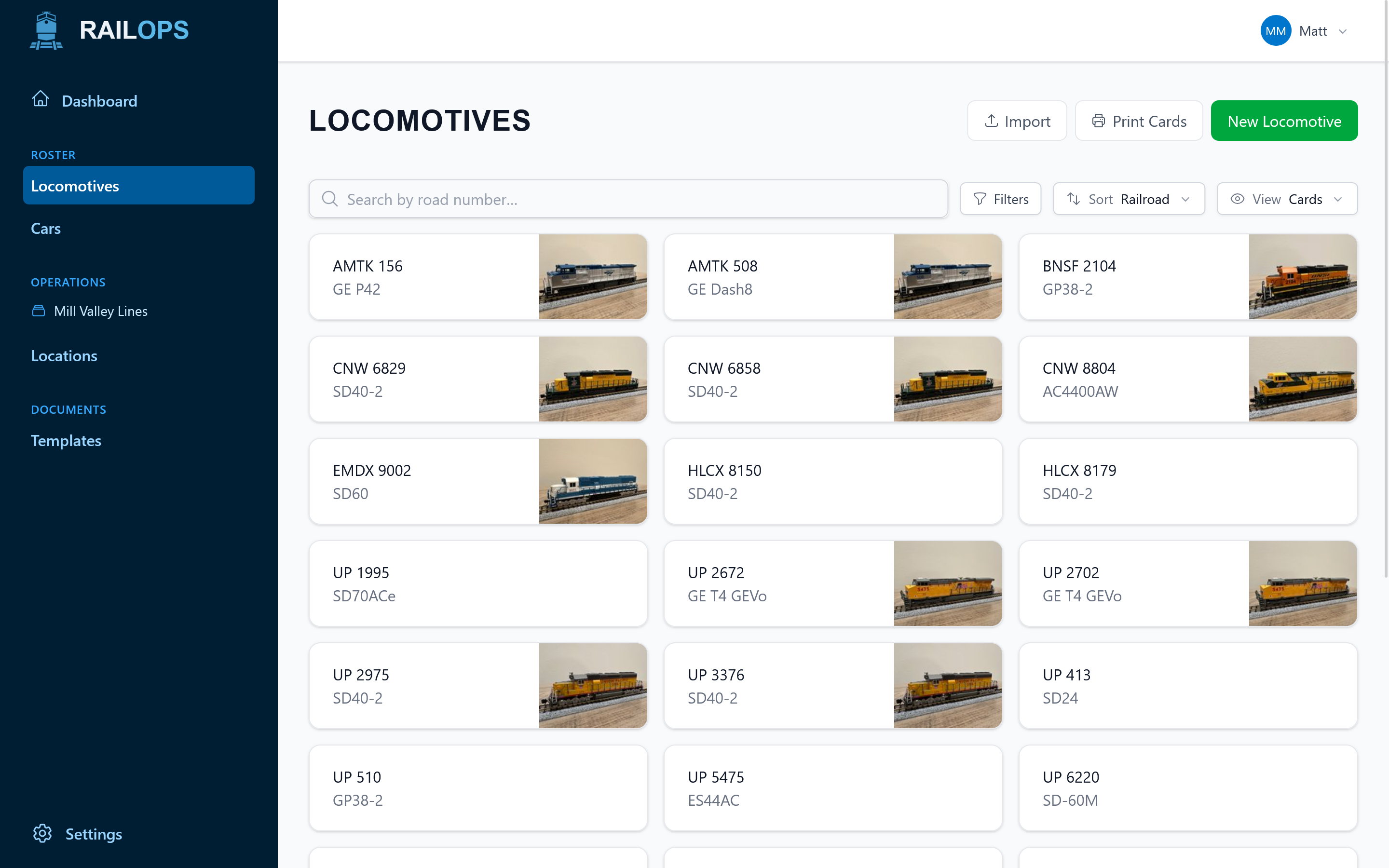
Rail Ops locomotive roster view
01 / ROSTER

Your whole fleet on one screen.

Road, number, model, DCC address, era. Every locomotive is searchable and filterable. Import a CSV from your existing spreadsheet and you're up and running in a few minutes.

  • Filter by road, era, or DCC status
  • Track and plan maintenance and upgrades
  • Keep the small details that are easy to forget
railops.app/roster/locomotives/4567
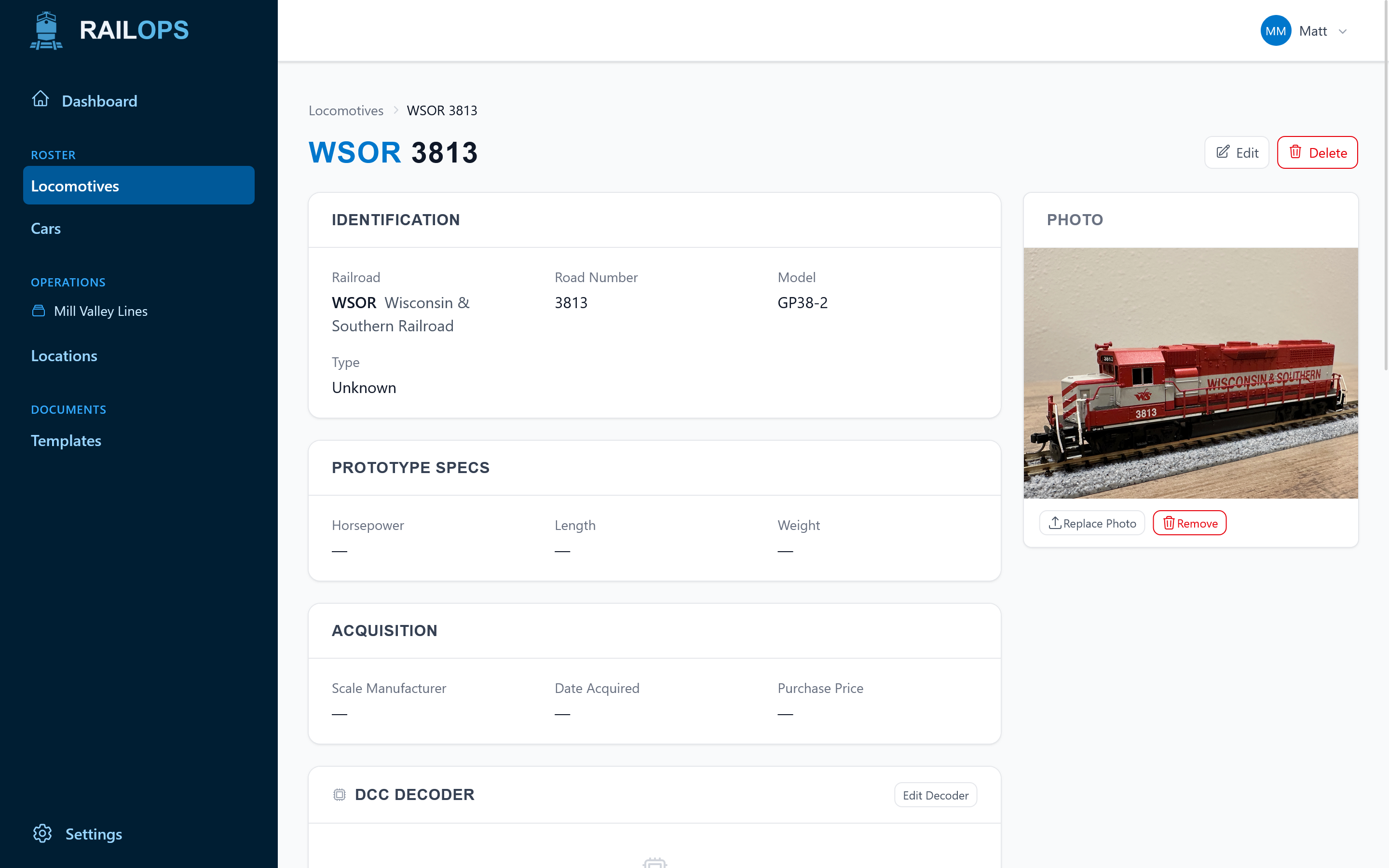
Locomotive detail page with prototype specs
02 / LOCO CARDS

Every loco gets a card.

Prototype specs, model details, decoder address, and a photo, all on one page. Print it as a card or pull it up on your phone while you're switching.

  • Print-ready locomotive cards sized for your layout
  • Attach photos of your model and the prototype
  • Notes for decoder functions, quirks, sound CVs, and break-in
railops.app/roster/cars
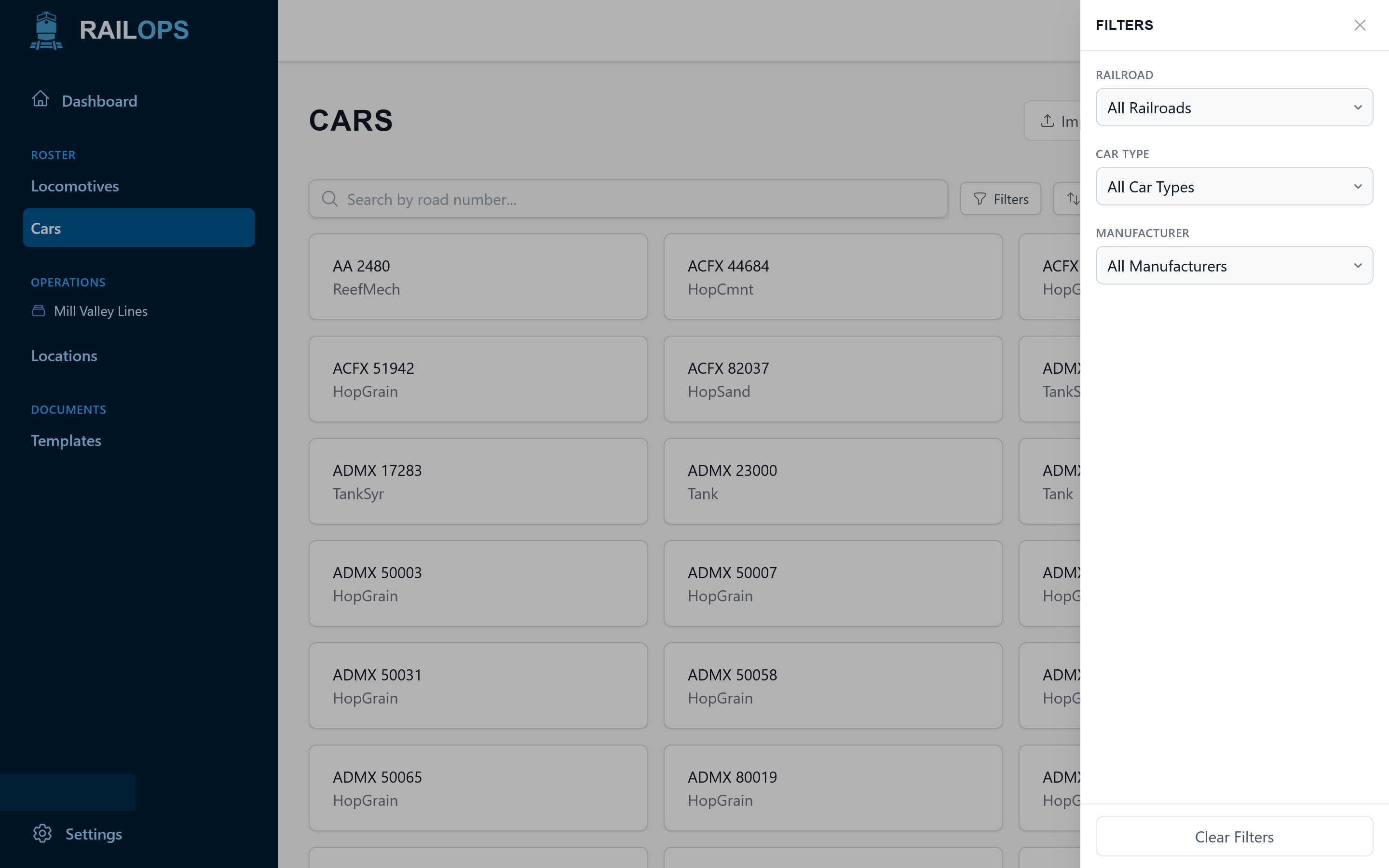
Car list with filtering controls
03 / CARS

Rolling stock that's actually findable.

Filter cars by type, road, era, or owner. Find that one 40-foot boxcar without scrolling past six hundred others, then generate car cards for whatever you've selected.

  • Multi-column filters that stack
  • Bulk-select for batch card printing
  • Per-car prototype data and home road
railops.app/locations/turner-junction
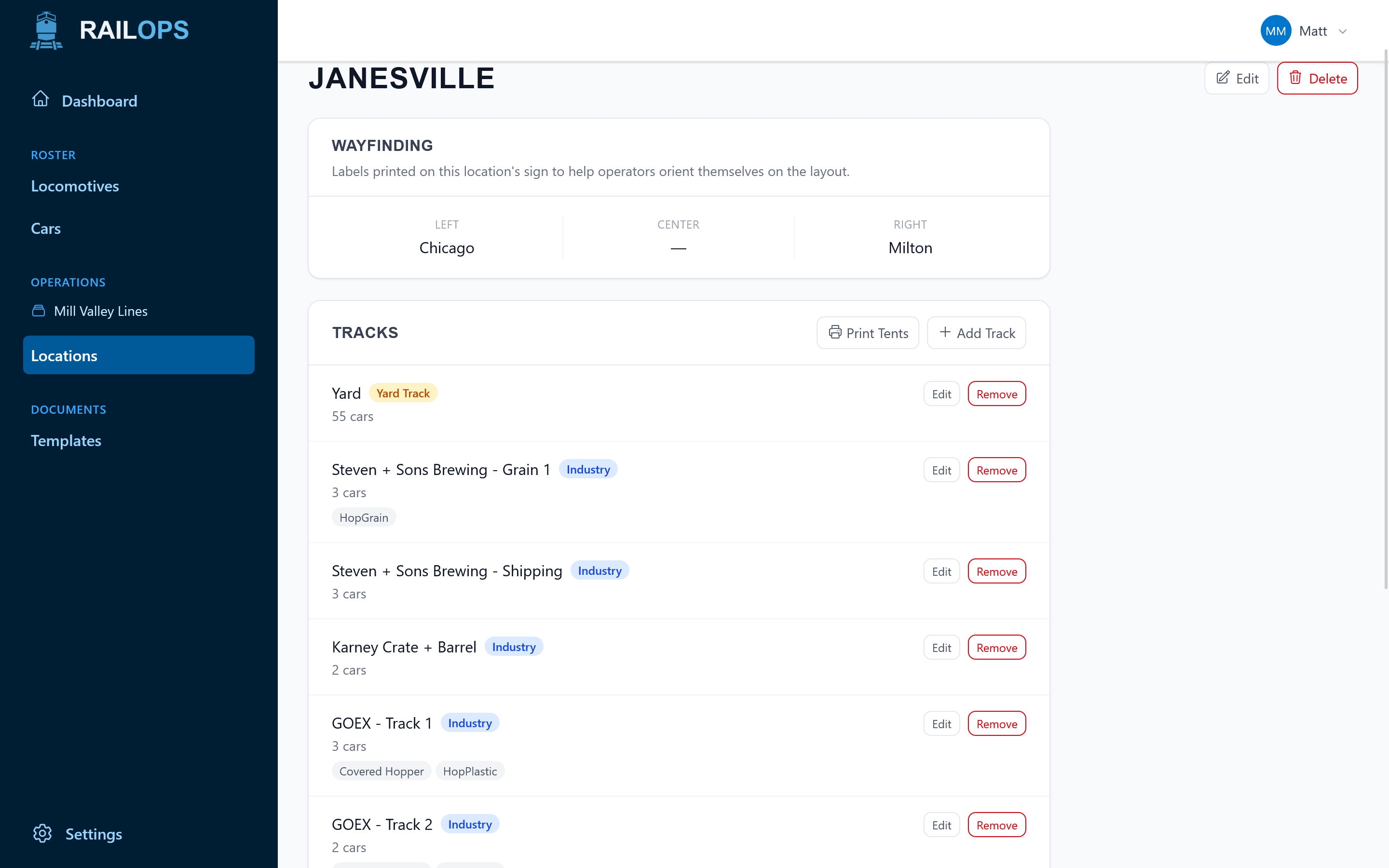
Location detail page with track listing
04 / LOCATIONS

Map your towns the way they really work.

Every town, yard, and industry, with the tracks underneath. Set car-type restrictions per track so Rail Ops knows a coal hopper doesn't belong at the lumber spur.

  • Towns, yards, staging, and interchange
  • Per-track car-type allowances
  • Industry placards generated from the same data
railops.app/locations/turner-junction/signs.pdf
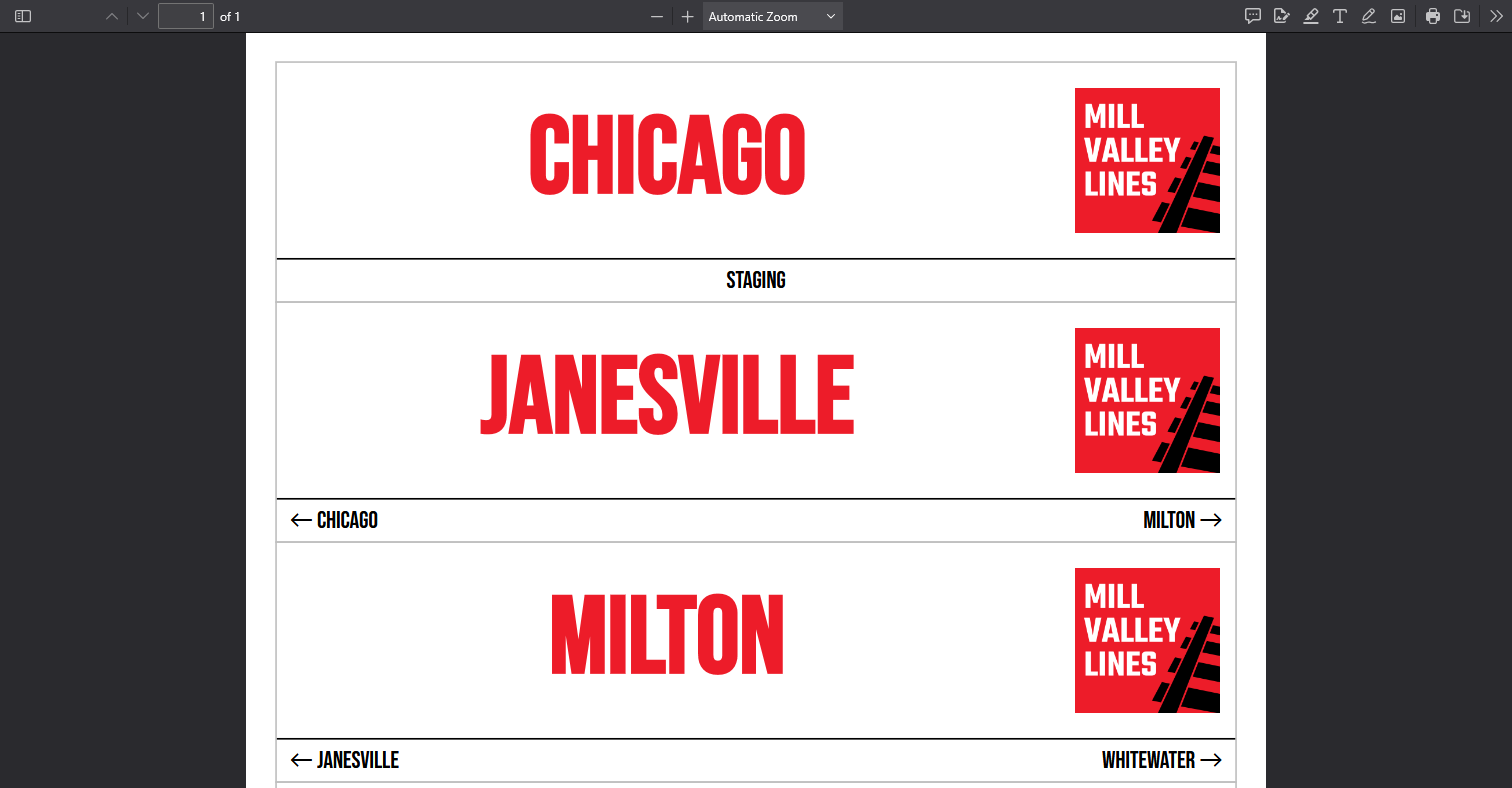
PDF preview of printed location signs ready for the layout
05 / DOCUMENTS

Signs and cards, straight to PDF.

Hit generate and you get a PDF with station signs, industry placards, and locomotive and car cards, already laid out for the printer.

  • Print-ready PDFs sized for your layout
  • Signs, placards, and fascia cards from the same data
  • Re-generate any time your roster or layout changes
Set up once, stay connected

Set it up once. Everything else stays connected.

No new workflow to learn. Bring in what you already have, connect it once, and every card, sign, and roster update flows from the same system.

01

Import your roster.

Drop in a CSV from your existing spreadsheet, or add locomotives and cars one at a time. Every road number lives here now.

IMPORT
02

Organize your layout.

Add towns, yards, staging leads, and industries. Set which car types each track accepts. Do it once and it stays put.

ORGANIZE
03

Stay in sync.

Locomotive cards, car cards, and layout signs all pull from the same data. Update the roster once and everything downstream follows.

PRINT
Request access

Free during beta. Signup code currently required.

On the roadmap

Built for operating sessions. Coming next.

Rail Ops keeps your roster, cards, and signage organized today. These operations tools build on that same data, and they're on the way.

Waybills that route themselves.

Four-cycle, two-cycle, or freeform. Cycle progression happens live as cars move.

COMING SOON

Auto-generated switch lists per train.

Rail Ops builds the list for every stop without you touching a spreadsheet.

COMING SOON

Deeper operating-session planning.

Build on the cards, signs, and documents you already generate for each session.

COMING SOON
What's new

Recent updates from the workshop.

See all updates
  • Mobile-friendly card printing

    Generate and print loco and car cards directly from your phone or tablet at the layout. No laptop needed.

  • CSV import & export

    Bring in your existing roster from a spreadsheet, or export what's in Rail Ops back out anytime.

  • Locations & track management

    Map every town, yard, staging lead, and industry, and set car-type restrictions per track.

Get connected

Ready to run your railroad on one connected system?

Rail Ops is free during beta. We're handing out signup codes for now while we work through the rough edges with early users.

Stay in the loop
// new features & release notes. once a month. We value your privacy.
Request access

Request a signup code

Tell us a bit about yourself and we'll email you a code if you're approved.